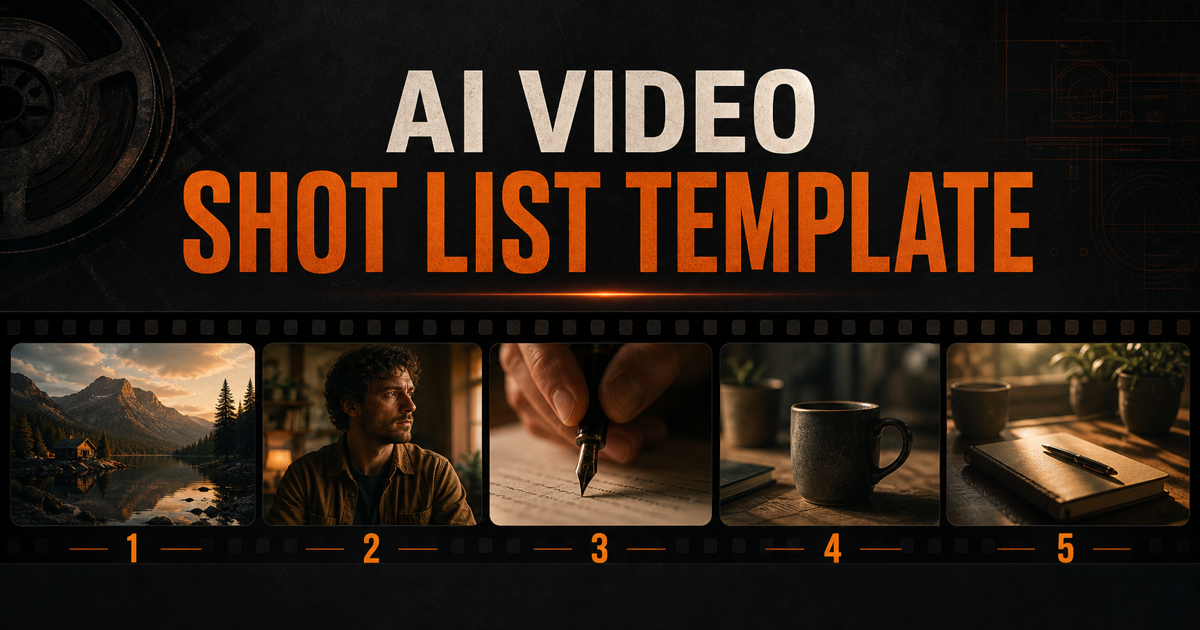
Most AI video clips look random because they are prompted one at a time. A shot list fixes that. It turns a loose idea into a small sequence where every clip has a job.
This guide gives you a simple AI video shot list template you can use for product demos, travel videos, tutorials, reels, and story scenes. You do not need film school vocabulary to start. You only need five clear shots.
What Is an AI Video Shot List?
An AI video shot list is a planned list of clips you want an AI video tool to generate. Each shot includes the framing, subject, action, lighting, movement, duration, and purpose.
Instead of writing one prompt like cinematic coffee video, you break the idea into shots:
- Show the place.
- Show the subject.
- Show the action.
- Show the detail.
- Show the result.
That structure gives the AI more direction and gives your final edit a clear beginning, middle, and ending.
The 5-Shot AI Video Template
Use this template for almost any short video idea:
| Shot | Purpose | Best Prompt Phrase |
|---|---|---|
| 1. Establishing shot | Show where we are | wide establishing shot of [subject] |
| 2. Medium shot | Show who or what matters | medium shot of [subject] |
| 3. Close-up | Show emotion or detail | close-up of [subject] |
| 4. Cutaway | Add texture and proof | insert shot of [specific detail] |
| 5. Return wide or result shot | Finish the idea | wide shot showing the final result |
You can build this inside the Shot Planner, or write it manually before opening Runway, Pika, Stable Video, or any other AI video tool.
Example: Coffee Shop Reel
Here is a complete 5-shot sequence for a short coffee shop reel.
Shot 1: Establish the Place
wide establishing shot of a small coffee shop at sunrise, warm window light, a barista moving behind the counter, calm cinematic mood, gentle camera drift, 5 seconds
This shot answers: where are we?
Shot 2: Show the Main Action
medium shot of a barista preparing espresso, focused hands and relaxed posture, warm practical lights in the background, slight dolly push in, cinematic 24fps, 5 seconds
This shot answers: who or what should we watch?
Shot 3: Move Closer
close-up of espresso pouring into a small ceramic cup, steam rising, shallow depth of field, golden morning light, slow motion detail, 5 seconds
This shot gives the viewer a sensory moment.
Shot 4: Add a Cutaway
insert shot of coffee beans falling into a grinder, crisp texture, soft side light, subtle handheld movement, cinematic macro detail, 3 seconds
This shot gives the edit something to cut to, so the video does not feel like one long clip.
Shot 5: Finish With the Result
wide shot of a finished latte placed on a wooden table near the window, customer hands enter frame, warm peaceful atmosphere, slow dolly out, 5 seconds
This shot answers: what changed by the end?
Copyable Shot List Template
Use this structure when planning your next AI video:
| Field | What to Write |
|---|---|
| Idea | What is the video about? |
| Audience | Who is this for? |
| Mood | Calm, bold, premium, playful, dramatic, educational |
| Visual style | Documentary, cinematic, handheld, clean product, soft lifestyle |
| Shot 1 | Establishing shot: place and context |
| Shot 2 | Medium shot: subject and action |
| Shot 3 | Close-up: emotion, texture, or important detail |
| Shot 4 | Cutaway: object, reaction, hands, environment, proof |
| Shot 5 | Result shot: ending, payoff, transformation, or final look |
For each shot, write one prompt using this formula:
[shot type] of [subject], [action], [lighting], [camera movement], [mood/style], [duration]
Example:
medium close-up of a designer sketching a logo in a notebook, soft window light from the left, slight handheld camera movement, focused creative mood, 5 seconds
Why This Works for AI Video
AI video models are better at generating short, specific moments than full stories. A shot list respects that limitation. It asks the model for one clear job at a time.
The edit creates the story. The model creates the pieces.
That is why a planned sequence usually beats one giant prompt. A cinematic ad for a watch brand is too broad. Five focused prompts can show the watch, the craft, the wrist, the detail, and the final hero moment.
Common Mistakes
| Mistake | Why It Fails | Better Choice |
|---|---|---|
| One giant prompt | Too many actions in one clip | Split it into 5 shots |
| No shot type | The model chooses random framing | Start with wide shot, medium shot, or close-up |
| No lighting | The result looks flat | Add soft window light, golden hour, or practical lights |
| Too much camera movement | The shot drifts or breaks | Use one movement per shot |
| No ending | The video feels unfinished | Plan a result or payoff shot |
Quick Templates by Video Type
Product Demo
- Wide shot of the product in its environment.
- Medium shot of someone using it.
- Close-up of the key feature.
- Cutaway of texture, button, screen, or result.
- Hero shot of the product looking finished and useful.
Travel Reel
- Establishing shot of the location.
- Medium shot of a person entering the space.
- Close-up of food, fabric, water, light, or texture.
- Cutaway of a local detail.
- Wide shot that shows scale or emotion.
Tutorial
- Wide shot of the setup.
- Medium shot of the instructor or hands.
- Close-up of the key step.
- Cutaway of the mistake or comparison.
- Result shot showing the finished outcome.
Dialogue Scene
- Establishing shot of the room.
- Medium two-shot of both people.
- Over-the-shoulder shot of person A.
- Reaction close-up of person B.
- Wide shot or quiet close-up to end the beat.
Beginner Rule: Every Shot Needs One Job
Before you generate a clip, ask one question:
What is this shot doing for the viewer?
If the answer is unclear, simplify the shot. A strong shot usually does one of these jobs:
- Give context.
- Show action.
- Reveal emotion.
- Show detail.
- Create transition.
- Deliver the final result.
That is the core of cinematic planning.
Use aiscreens to Build the Sequence
You can build this manually, but aiscreens is designed to make the process faster:
- Open the Shot Planner.
- Type your video idea.
- Review the suggested sequence.
- Copy the prompts into your AI video tool.
- Use the Glossary to improve any shot with stronger film language.
Useful terms to learn next: Establishing Shot, Wide Shot, Medium Shot, Close-Up, Cutaway, and Storyboard.
For a deeper sequence lesson, read The 5-Shot Sequence Every Creator Should Know. For prompt wording, read How to Write Cinematic AI Video Prompts That Actually Work.
The simple version: plan five shots before you prompt. Your AI video will instantly feel more intentional.
Glossary Terms in This Post
Ready to build your first sequence?
The Shot Planner turns your video idea into a full sequence with AI-ready prompts in seconds.